100% FREE ONLINE RESUME MAKER
Create Professional Resume in Minutes
Choose a template, fill in your details, preview and download your resume as PDF instantly.
- 01Professional & Clean Templates
- 02Easy to Edit & Customize
- 03Instant PDF Download
- 04100% Free to Use
Choose from Beautiful Resume Templates
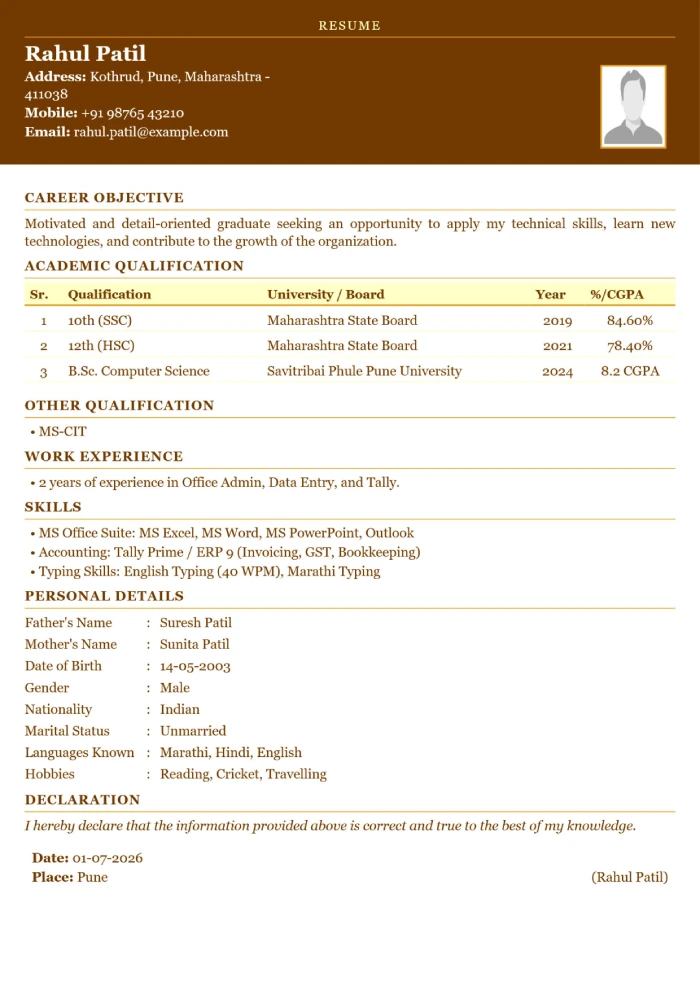
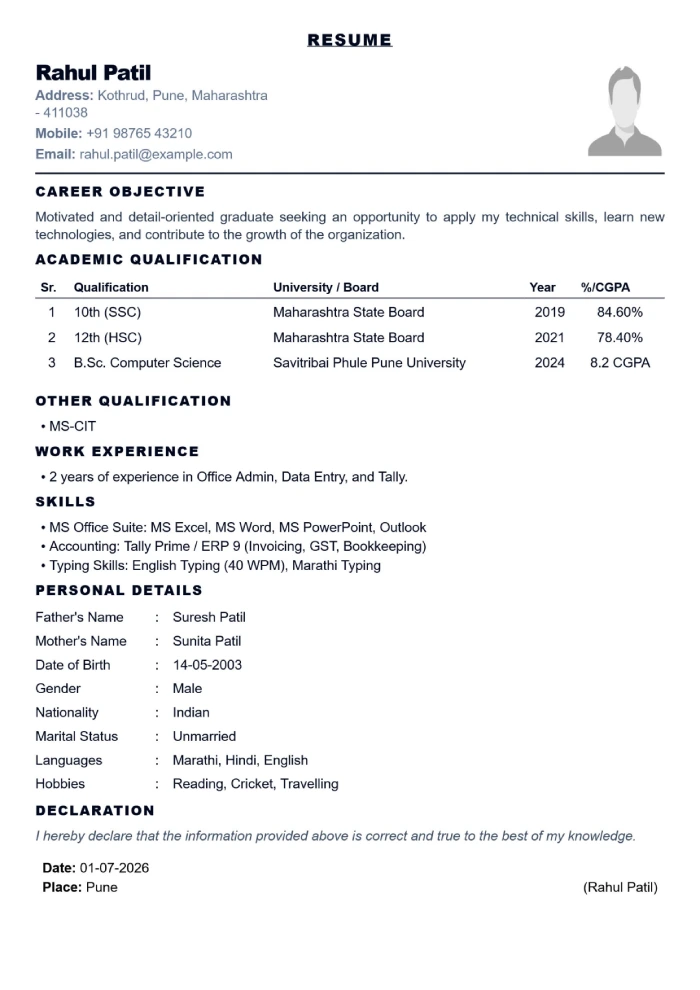
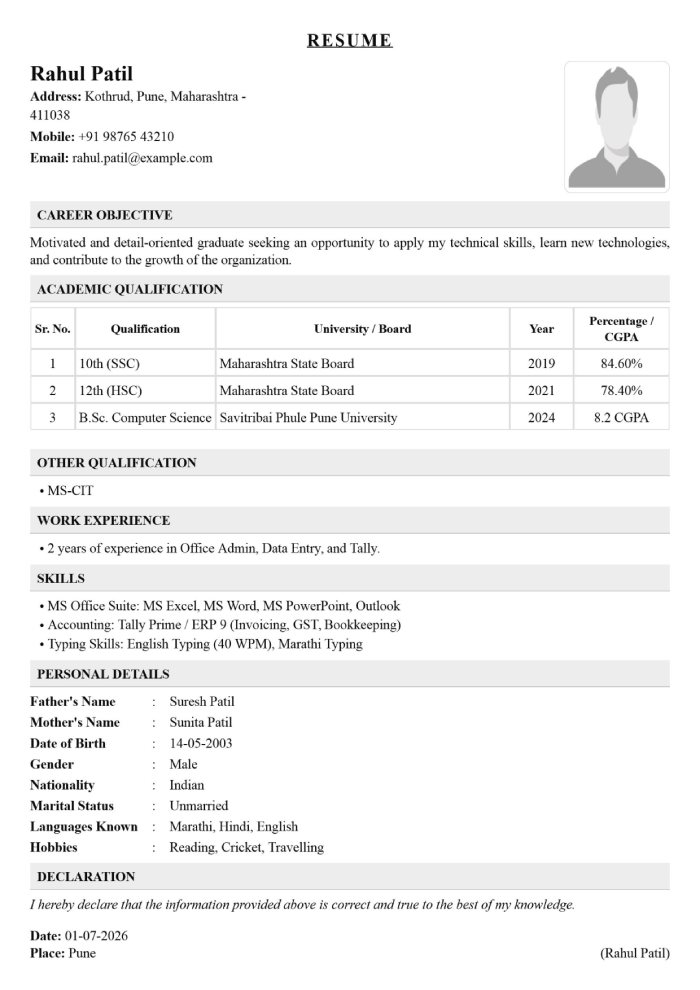
SimpleResume Builder
PrivateBrowser-Based Editing
InstantPDF Download
ProfessionalTemplates
A good template helps. Strong evidence makes it yours.
The builder handles layout, but the substance should come from your real experience. Before you start, collect accurate dates, qualification names, project details, and two or three outcomes you can explain in an interview.
Start with the vacancy
Read the responsibilities and required skills. Use the same truthful terminology where it describes work you have actually done.
Show evidence
Replace vague claims with context: what you built, improved, supported, learned, or delivered, and the result when you can measure it.
Remove distractions
Keep only details that help an employer assess your fit. Never add ID numbers, banking information, or confidential workplace data.
Proofread the PDF
Check names, phone numbers, dates, page breaks, and spelling in the downloaded file. Ask someone else to read it once if possible.
Choose deliberately
What should your resume include?
Students and freshers: lead with education, relevant projects, internships, technical skills, certifications, and volunteer responsibility. Explain your contribution instead of describing the project as a whole.
Experienced candidates: put recent relevant work first. Use concise bullets built around action, scope, and outcome. Older or unrelated roles can be shortened.
Personal details: expectations differ across countries and employers. Include a photo, date of birth, marital status, or full address only when appropriate and genuinely required.
Useful from first draft to final PDF
Resume-building features that keep the focus on your content
ResumeBiodata.in is built for people who want a straightforward document without learning design software. It handles the repeated layout work while leaving the important decisions—what to include, what to remove, and how to describe your experience—with you.
Guided editing
Complete one familiar section at a time instead of fighting with margins, columns, or text boxes. The form keeps names, education, experience, skills, personal details, and declarations organised.
Professional templates
Compare clean A4 layouts designed around readable headings and sensible spacing. A template gives your information structure; you remain responsible for the accuracy and relevance of every claim.
Instant preview
See how your content fits before downloading. Previewing is especially useful for spotting long sentences, uneven sections, unexpected page breaks, and information that deserves more emphasis.
PDF export
Download a stable PDF that is convenient to email or upload to application portals. Always open the saved file once and verify its text, page count, file name, and contact information.
No registration
The current builder does not require an account. You can begin immediately without creating another password or providing information that is unrelated to producing your document.
Browser-based workflow
Resume details are processed in the browser for the current editing session. Avoid entering sensitive identifiers or confidential information that does not belong in a job application.
Plain-language ATS guidance
What does “ATS-friendly resume” actually mean?
An applicant tracking system, often shortened to ATS, helps an employer receive, organise, search, and review applications. Different employers use different products and settings, so no template or score can guarantee that every system will interpret a document in exactly the same way.
A practical ATS-friendly approach is less mysterious: use clear section headings, readable text, truthful language from the vacancy where it matches your background, and a logical order. Avoid hiding keywords, copying the entire job description, or adding skills you cannot discuss in an interview. Those tactics make a resume less useful to the person who eventually reads it.
After downloading, confirm that you can select and copy important text from the PDF. If an application portal provides its own format or asks you to complete fields manually, follow those instructions. The employer's requirements always take priority over general resume advice.
Before you press download
Six resume-writing habits that improve clarity
Read the job description twice
On the first pass, understand the role. On the second, mark the skills, tools, responsibilities, and outcomes that match your real experience. Those matches should influence the order and wording of your resume.
Write evidence, not labels
“Hard-working” is difficult to verify. “Prepared weekly reports for a five-person sales team” gives the reader context. Use numbers only when they are accurate and meaningful.
Prioritise recent and relevant work
A resume is a selective document, not a complete autobiography. Give more space to experience that helps an employer assess you for this role and shorten material that no longer supports your application.
Use direct language
Begin bullets with clear verbs such as created, supported, analysed, coordinated, resolved, improved, or delivered. Remove filler phrases and explain your own contribution when describing team projects.
Keep formatting consistent
Use one date style, predictable headings, consistent punctuation, and readable spacing. Decorative elements should never make important text difficult to scan or copy.
Proofread outside the editor
Review the downloaded PDF on both phone and desktop. Reading it aloud can reveal repetition and missing words. A second person may notice assumptions that are obvious to you but unclear to a recruiter.
Different experience, different emphasis
A useful resume changes with your career stage
Students and freshers
When paid experience is limited, relevant evidence can come from academic projects, internships, volunteering, certifications, competitions, and positions of responsibility. Describe the problem, your individual contribution, the tools or methods used, and the result. Education may appear before experience, especially when a qualification is the main requirement.
Experienced professionals
Lead with recent, role-relevant results. For each position, help the reader understand your scope: the process you owned, customers or teams supported, complexity handled, or improvement delivered. A short professional summary is usually more useful than a broad career objective. Older unrelated roles can be compressed.
A ten-minute preparation checklist
Gather reliable details before opening the editor
Keep the vacancy, your qualification records, employment dates, project notes, and current contact details beside you. Write down the exact names of tools and certifications rather than relying on memory. For each recent role or project, note one challenge, the action you personally took, and the result. This small preparation step reduces date mistakes and makes the form much faster to complete.
Decide what the employer genuinely needs to know. A job resume usually does not require government identification numbers, banking information, medical history, passwords, or confidential details from a previous employer. Personal information such as a photograph, full address, date of birth, gender, nationality, or marital status is treated differently across regions. Include it only when appropriate, lawful, and relevant to the specific application. If the employer supplies an official format, use that format.
Finally, choose a professional email address and confirm that your phone can receive calls. Search for inconsistent public profile dates if you link to a portfolio or professional network. The goal is not to make every online profile identical; it is to avoid simple contradictions that distract from your qualifications. Accurate preparation builds more trust than decorative language ever can.
Straightforward by design
What you can expect from ResumeBiodata.in
There are no fake success rates, invented reviews, or promises of employment here. The tool provides structure and general guidance; you provide truthful experience and make the final decisions for each application.
- 100% free to use
- No registration required
- Instant PDF download
- Privacy-friendly browser workflow
- No hidden charges
- Professional resume templates
Common questions
Frequently asked questions
Is this online resume builder free to use?
Yes. You can enter your details, choose a professional template, preview the result, and download your resume as a PDF without paying a fee.
Do I need to create an account?
No account is required. You can start building your resume immediately and complete the process directly in your browser.
Can I download my resume as a PDF?
Yes. After selecting a template and checking the preview, use the download button to save a high-quality PDF that is ready to share.
Are the resume templates ATS-friendly?
The templates use clear headings, readable typography, and familiar resume sections designed to be easy for recruiters and many applicant tracking systems to review.
Can freshers and experienced professionals use the builder?
Yes. The flexible sections work for students, freshers, and experienced candidates. Add only the education, skills, experience, and personal details relevant to your application.
Can I use the builder on a phone?
Yes. It works in modern mobile browsers, although a larger screen makes final proofreading easier.
How long does it take to make a resume?
With your details ready, a first draft can take 10 to 20 minutes. Allow extra time to tailor and proofread it.
Where is my resume information stored?
The current builder processes details in your browser. It does not require an account or intentionally save resume contents to our servers.
Browse all 50 resume builder questions or read the resume and career guides for longer examples.
Ready to turn your notes into a clear resume?
Gather accurate dates and role details, then build a focused first draft you can tailor for the vacancy.